You open a blank document at 9 p.m., watch the cursor blink for twenty minutes, then close the file with nothing written. A writing prompts generator fixes the blank page in seconds. It doesn't fix weak organization, vague ideas, or slow drafting. Those improve only when you pair a prompt with a clear goal, a time limit, and a short review.
That distinction matters. A 2025 study of high-school students in Reading and Writing found reported educational use of generative AI rose from 43.7% in 2023 to 71.4% in 2024. In the same study, 50% of public-school students used generative AI to generate ideas for papers. Brainstorming is common. Finished, original drafting still needs your own work.
Treat every tool below as a practice drill, not an idea vending machine. Pull one prompt. Set a timer. Draft to a fixed word count. Review before you generate another.
Most of these tools target creative writing. A few help with essays, journaling, or school work. None of the ten is built specifically for CELPIP, so exam candidates need to adapt prompts into formats such as a 150-200 word email or a survey response with one clear choice and reasons. Creative writers can use them as written.
1. 101 Planners - Writing Prompt Generator
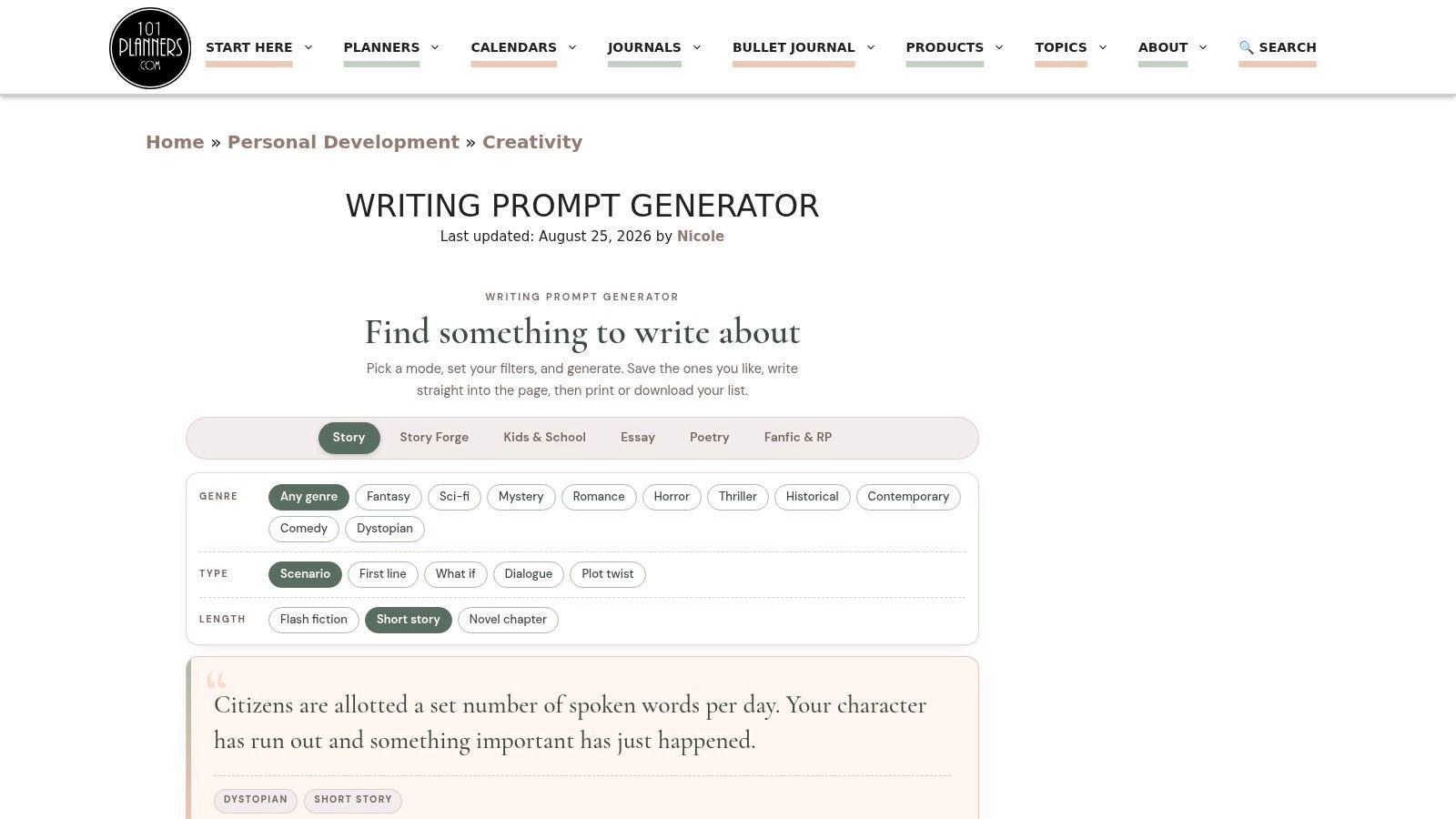
101 Planners is the most complete free option here because it combines prompt generation with a place to draft. You get modes for stories, essays, poetry, fan fiction, and school writing, plus genre and age-group filters. It's free with no account required, according to the site.
The writing pad is the advantage. Set a word goal, start the sprint timer, and write without switching apps. You can also save prompts and print worksheets, which helps if you're building a weekly routine.
Use it as a drill
- Pick one mode: Don't browse all five. Choose essay or story and stay there.
- Set a hard limit: Try 180 words in 15 minutes, then stop and review.
- Adapt for exams: Turn an opinion prompt into a survey-style response with one choice and two reasons.
The range of modes takes a moment to learn, and prompts aren't CELPIP-specific. If you're adapting ideas for an exam task, compare your structure with CELPIP Writing Task 2 sample answers after you draft. For timed context, the official CELPIP test format overview lists Writing at 53 minutes and Speaking at 15 minutes.
Best for: Writers who want generation and drafting in one free tool.
2. Wordineer - Writing Prompt Generator
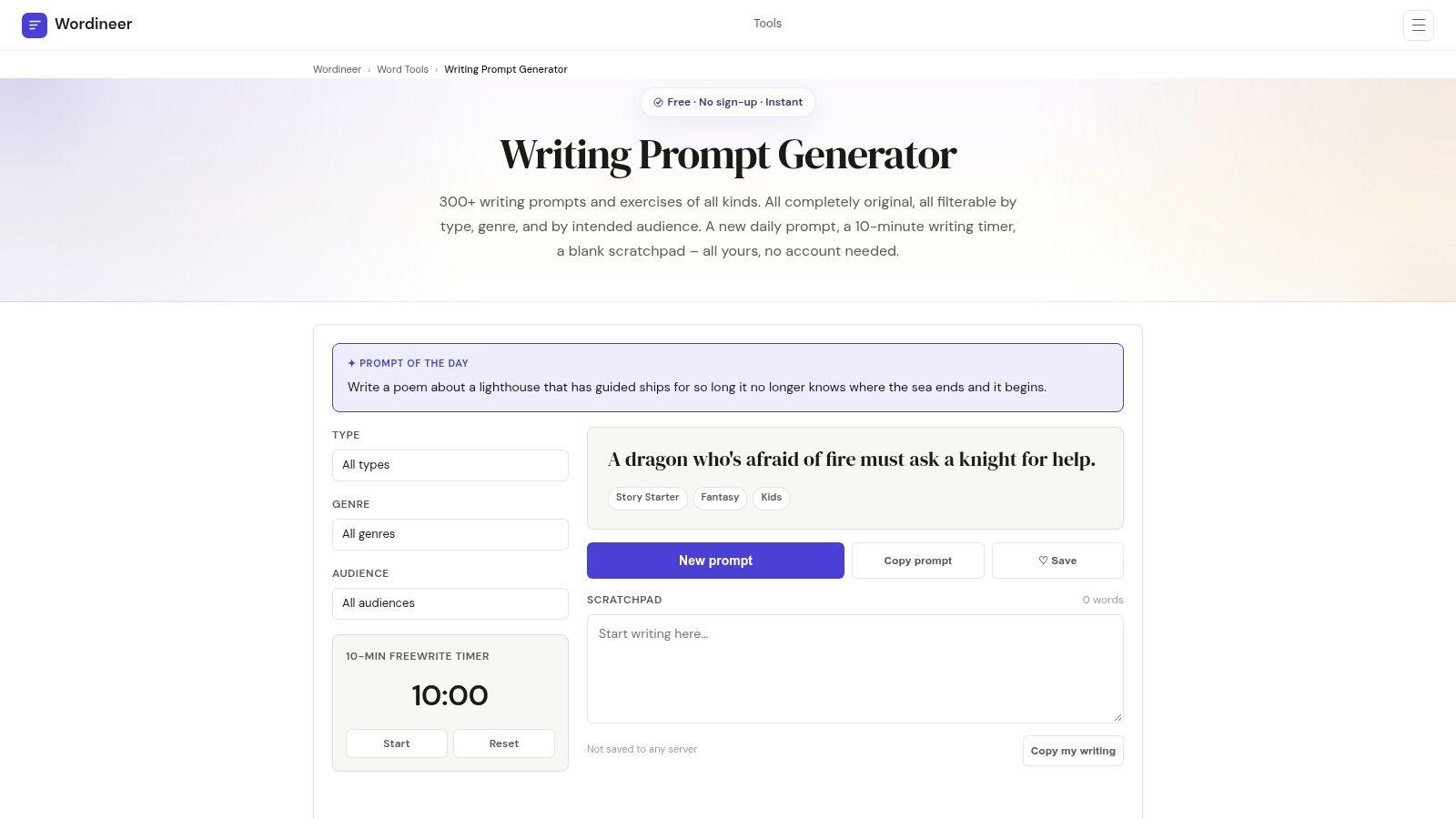
If you want short, repeatable sessions, start with Wordineer. It offers a library of more than 300 prompts and exercises, with filters for prompt type, genre, and audience. It's free with no account required, according to the site.
The built-in 10-minute timer and scratchpad keep the session tight. You don't need a separate document or timer app. The daily prompt also removes decision fatigue on busy days.
Try this routine. Filter by audience and type. Generate once. Write for 10 minutes without editing. Spend two minutes underlining your clearest sentence and your weakest transition.
Practical rule: Generate once per session. Regenerating until a prompt feels easy trains avoidance, not writing.
The trade-off is depth. The library is finite, so heavy users will cycle through familiar material. The scratchpad also isn't presented as a full writing course or evaluation tool, so you won't get scoring or detailed feedback.
That limitation is manageable if your goal is volume. A 2025 arXiv study of student AI adoption reported that in 2024, 59.5% of surveyed students used large language models for brainstorming new ideas. Wordineer serves that brainstorming habit without requiring AI for every session.
Best for: Daily 10-minute practice with minimal setup.
3. Inkfluence AI - Writing Prompt Generator
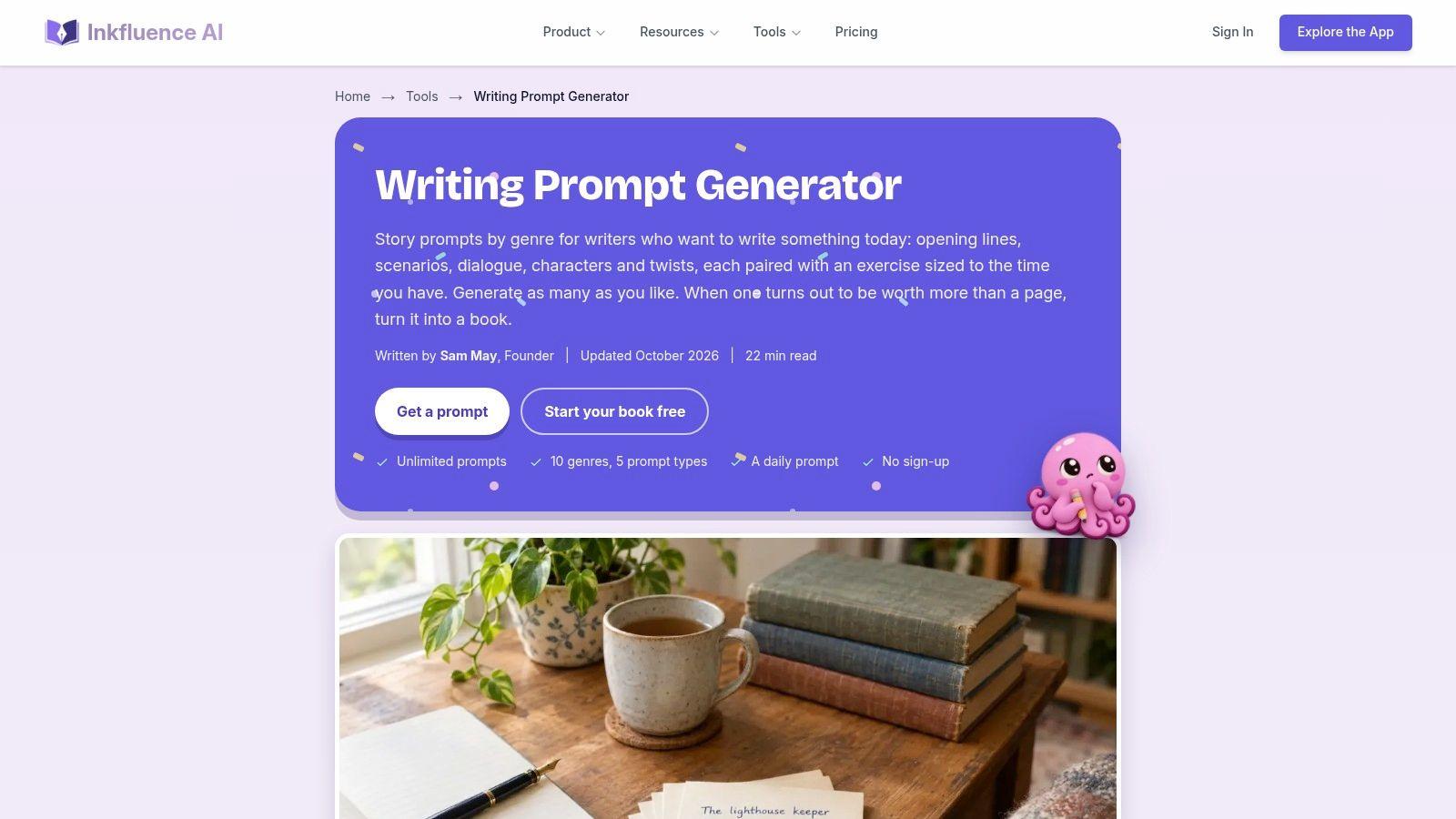
Don't let the name mislead you. Inkfluence AI assembles prompts in the browser from curated lists rather than generating each result with an AI model. That's a strength if you prefer predictable, curated material.
Each generation gives you four prompts. You can choose genre, prompt type, and exercise length. The tool is free and unlimited, according to the site, and a shared daily prompt works well for writing groups.
Four options can help or hurt. Choice helps when one prompt is a poor fit. It hurts when you spend five minutes shopping instead of writing. Pick the second prompt by default, set the exercise length, and start.
Where it falls short
Prompts focus on creative writing, so exam candidates must reshape them. Turn a character dilemma into a problem-and-solution email. Turn a descriptive scene into a short opinion paragraph. The option to expand an idea into a book leads to a separate AI writing product, which isn't necessary for prompt practice.
Concise instructions still matter when you rewrite a prompt. The GPR-bench reproducibility study on arXiv found adding a concise-writing instruction increased conciseness by 12.37 percentage points, while accuracy declined only 1.7 percentage points. Keep your adapted prompt short, but keep task requirements explicit.
After drafting, separate feedback can help you spot patterns. This guide to AI essay feedback explains what useful response-level comments should cover.
Best for: Writers who want several curated ideas at once.
4. Bookbird - Writing Prompt Generator
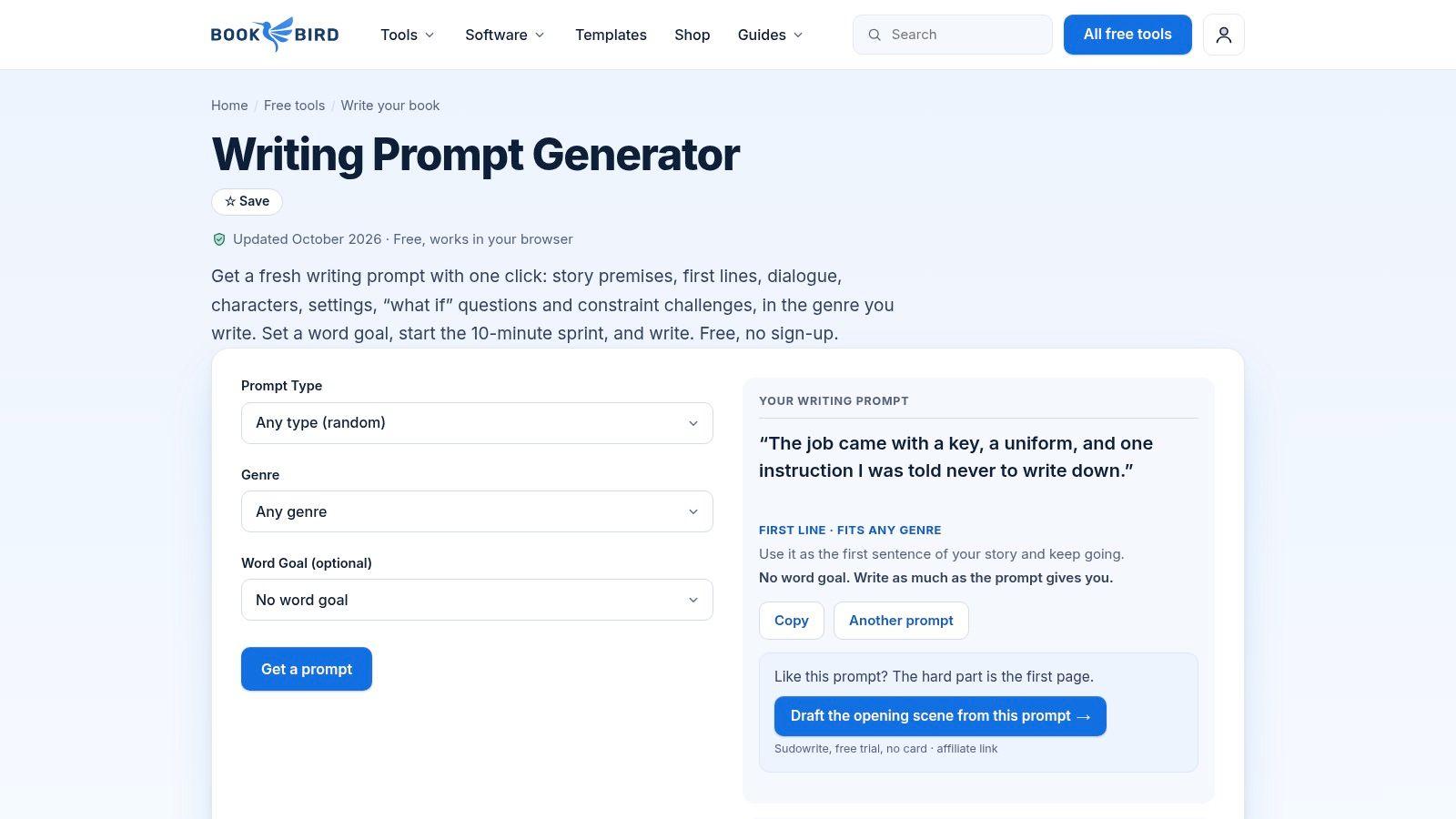
Bookbird stands out for one reason. Its 406 prompts are hand-written. They cover story premises, opening lines, dialogue, characters, settings, and writing constraints.
You can filter by prompt type and genre, set a word goal, and start a 10-minute sprint. The site says prompts don't repeat until you've seen twenty others. It's free and browser-based, with no sign-up according to the site.
Hand-written prompts often feel less formulaic than template combinations. An opening line forces you to continue a voice. A constraint forces you to solve a problem. Both are better drills than a broad topic such as write about travel.
Use constraints deliberately:
- Opening line: Write 150 words without changing the first sentence.
- Dialogue: Reveal a disagreement without naming the emotion.
- Setting: Describe the place through action, not a list of objects.
The fixed library will eventually feel familiar, especially if you write daily for months. It's also aimed at creative writing rather than exam preparation, so CELPIP candidates shouldn't expect email or survey task structure.
For general writing support, adoption is already broad. Praxis, A Writing Center Journal reported that in 2024, 84% of surveyed students using an English-language tutoring service had used a generative AI tool to help with writing, up from 75% in 2023. Bookbird offers a simpler, non-AI alternative.
Best for: Fiction writers who value curated prompts and short sprints.
5. WritingPromptForge
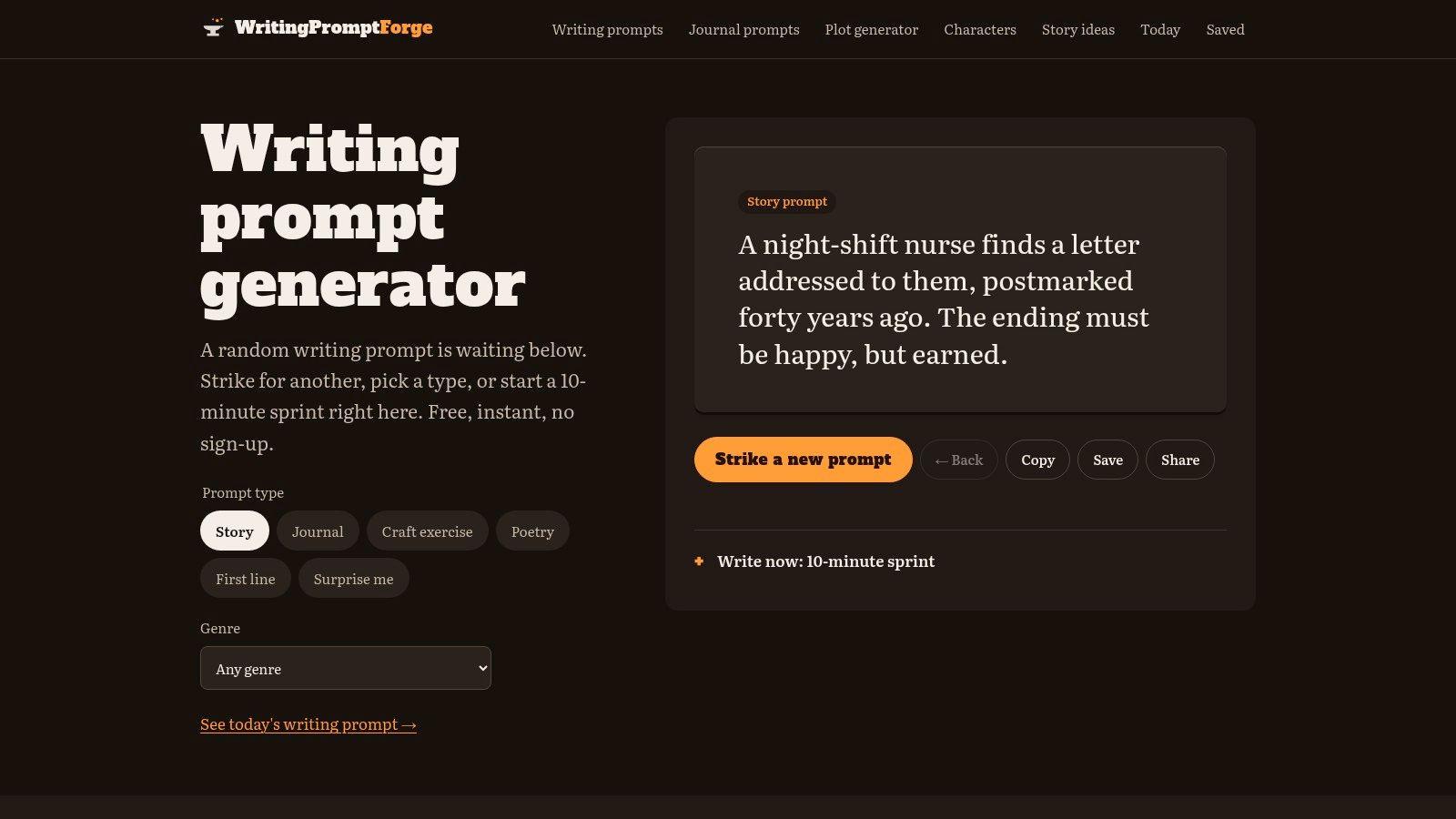
WritingPromptForge covers more ground than a pure fiction generator. Its categories include stories, journaling, craft exercises, poetry, and first lines, so one site can supply both imaginative work and personal reflection.
Story prompts come with genre choices such as fantasy, horror, romance, mystery, and science fiction. Random generation gives you a quick starting point when you don't want to configure settings. I recommend the craft exercises if your drafts feel fluent but technically flat.
A weekly rotation beats repeating the same prompt type. Use a first line on Monday, journaling on Wednesday, and a craft exercise on Friday. Keep each session to 15 minutes and 200 words, and draft to the word count rather than stopping when you run out of ideas.
Rotate the skill, not just the topic. New topics with the same weak structure won't fix the structure.
The genre choices skew toward fiction, so professional and exam writing need adaptation. A journaling prompt about a difficult decision can become a survey response: state your choice in the first paragraph, give two reasons, and close with a clear restatement. A first-line prompt can become a 150-200 word email if you treat the line as the opening of a message to a specific person.
Pricing and usage limits aren't listed in a way that's easy to confirm, so check the site for current details before building a routine around it. If your main goal is structured English production rather than fiction, pair these prompts with deliberate English writing practice that sets a task, a word range, and a review step.
Best for: Writers who want fiction, journaling, and craft practice in one place.
6. Josh Liljenquist - Writing Prompt Generator
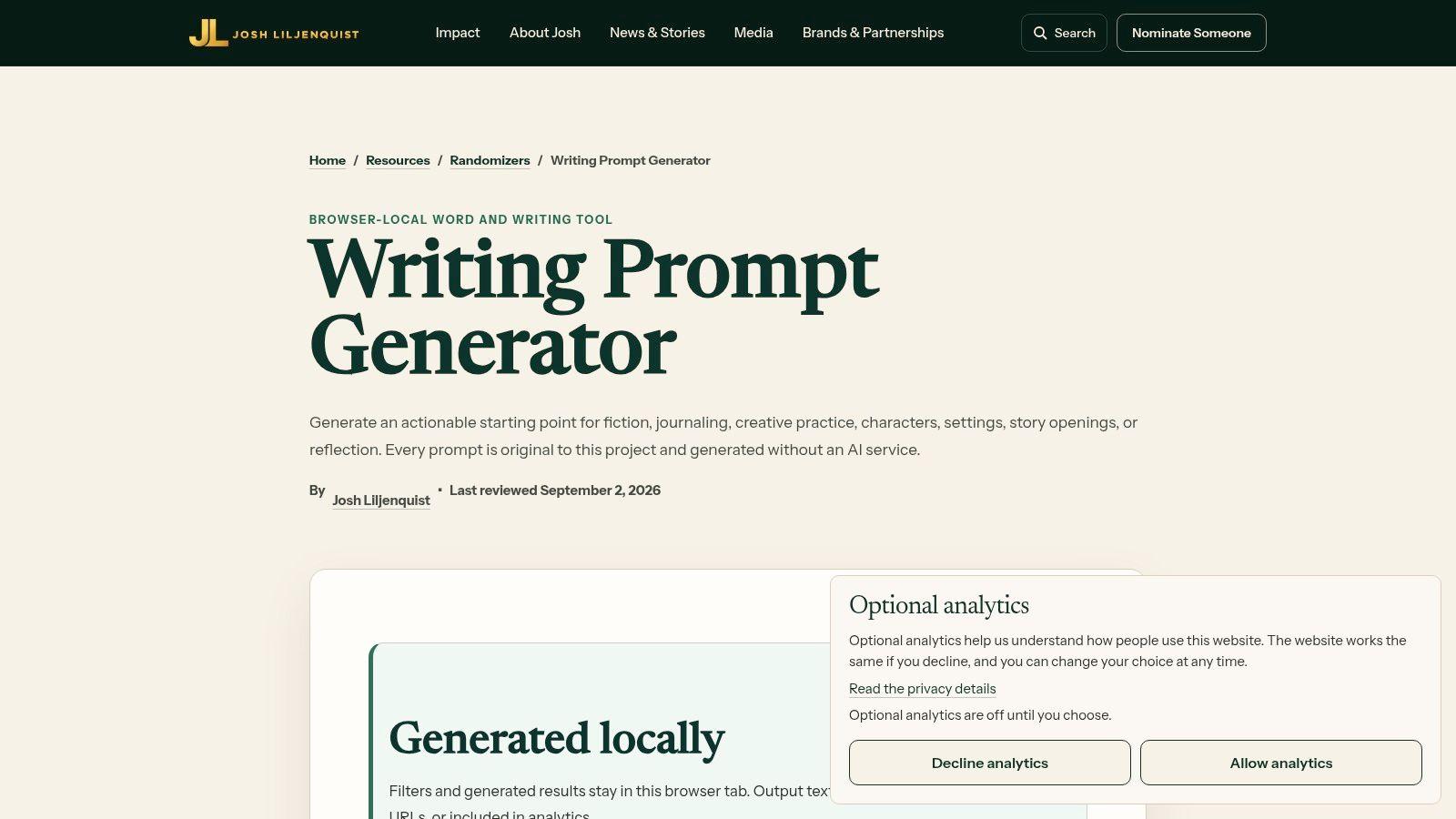
Privacy is the main selling point of the Josh Liljenquist writing prompt generator. The page says results stay in your browser tab rather than being uploaded or stored on a server. The creator also says prompts are written for the project and generated without an AI service.
Categories cover fiction, journaling, characters, settings, openings, and reflection. You can generate a batch of up to 20 prompts. It appears free to use.
Batch generation works best for planning, not drafting. Generate 20 on Sunday. Pick five for the week. Assign each one a day, a timer, and a word count. During the week, don't regenerate.
Keep your own voice
- Add personal material: Attach a real place, person, or decision to the prompt.
- Draft without help: Write the first version before asking any tool for feedback.
- Review for specificity: Replace general statements with one concrete detail.
JavaScript is required for generation. The tool is also less suited to users who want personalized, conversational prompt creation.
That lack of tailoring can protect authorship. A study in Humanities and Social Sciences Communications reported that 28.5% of surveyed EFL learners regularly used AI to brainstorm writing ideas, while 48.5% always asked AI for writing feedback. A curated prompt plus a no-AI first draft keeps the thinking yours.
Best for: Privacy-conscious writers who prefer non-AI prompts.
7. Janitor.ai - Creative Writing Tools
Janitor.ai isn't a single-purpose generator. It's a collection of creative writing and text tools that includes a story prompt generator and a daily writing prompt. That makes it useful when you want prompts alongside other small utilities.
Copy, download, and share options make it easy to move a prompt into your notebook or writing app.
Use the daily prompt if decision-making is your bottleneck. Copy it, set a timer for 12 minutes, and write 170 words. Don't open the other tools until the draft exists.
The trade-off
The prompts arrive without your context. You'll get a workable starting line, but audience, purpose, and constraints are yours to add. For fiction practice that's fine. For exam drilling it means extra setup before the timer starts.
That manual tailoring isn't wasted effort. A 2023-2024 study in the Journal of Academic Writing reported that students who had used AI for writing at least once increased from 44% in 2023 to 52% in 2024. Tools are everywhere now. The skill is specifying what you need and then producing your own response.
Add three details to every generated prompt. Name the reader. Name the outcome. Name the length. A vague story seed becomes a usable drill.
Best for: Writers who want a daily prompt and story ideas in one place, and who don't mind shaping the constraints themselves.
8. RandNow - Writing Prompt Generator
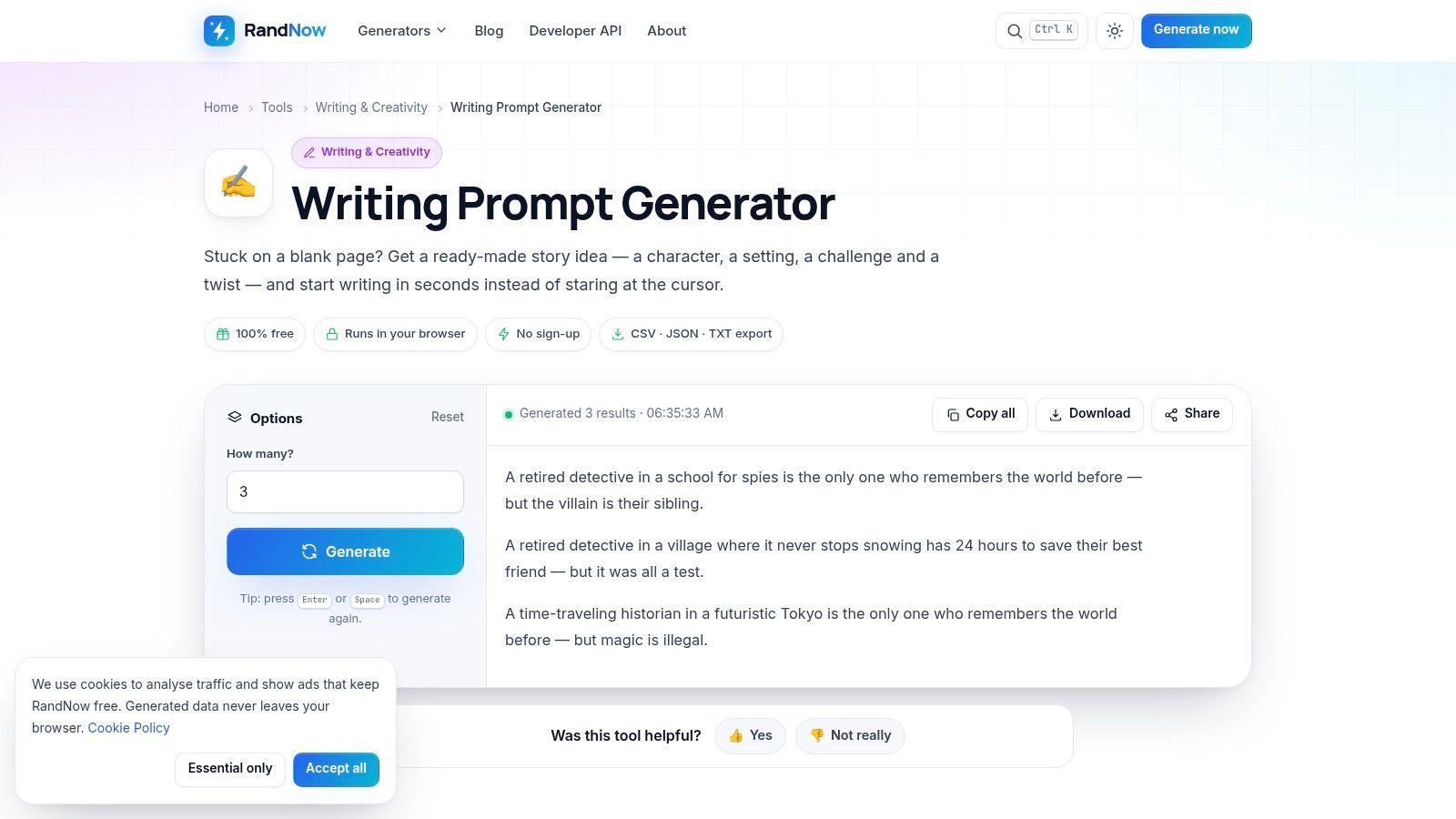
RandNow gives you a story skeleton in one click. It combines a character, setting, problem, and twist into a single prompt. You don't have to invent the basic structure before you start.
The site also suggests a 15-minute writing exercise. That pairing is smart. A prompt plus a deadline beats a clever prompt with no session rules.
Use the four parts as a checklist while drafting:
- Character: Introduce the person through one action.
- Setting: Anchor the scene in the first two sentences.
- Problem: Make the obstacle visible before the midpoint.
- Twist: Change what the character must do, not just what they know.
The format is primarily aimed at fiction. It offers less visible control over audience or writing purpose than more configurable tools. Current access and pricing details should be checked on the website.
For exam adaptation, keep the problem and drop the twist. Say a prompt gives you a tenant, an apartment, and a broken heater. Rewrite it as a request email to a landlord. State the issue, explain the impact, ask for a specific repair date, and close politely in 150-200 words.
That conversion teaches task control. You're no longer writing whatever comes to mind. You're writing for a reader who needs to act.
Best for: Fiction writers who need a complete story structure fast.
9. All Over Tools - Writing Prompt Generator
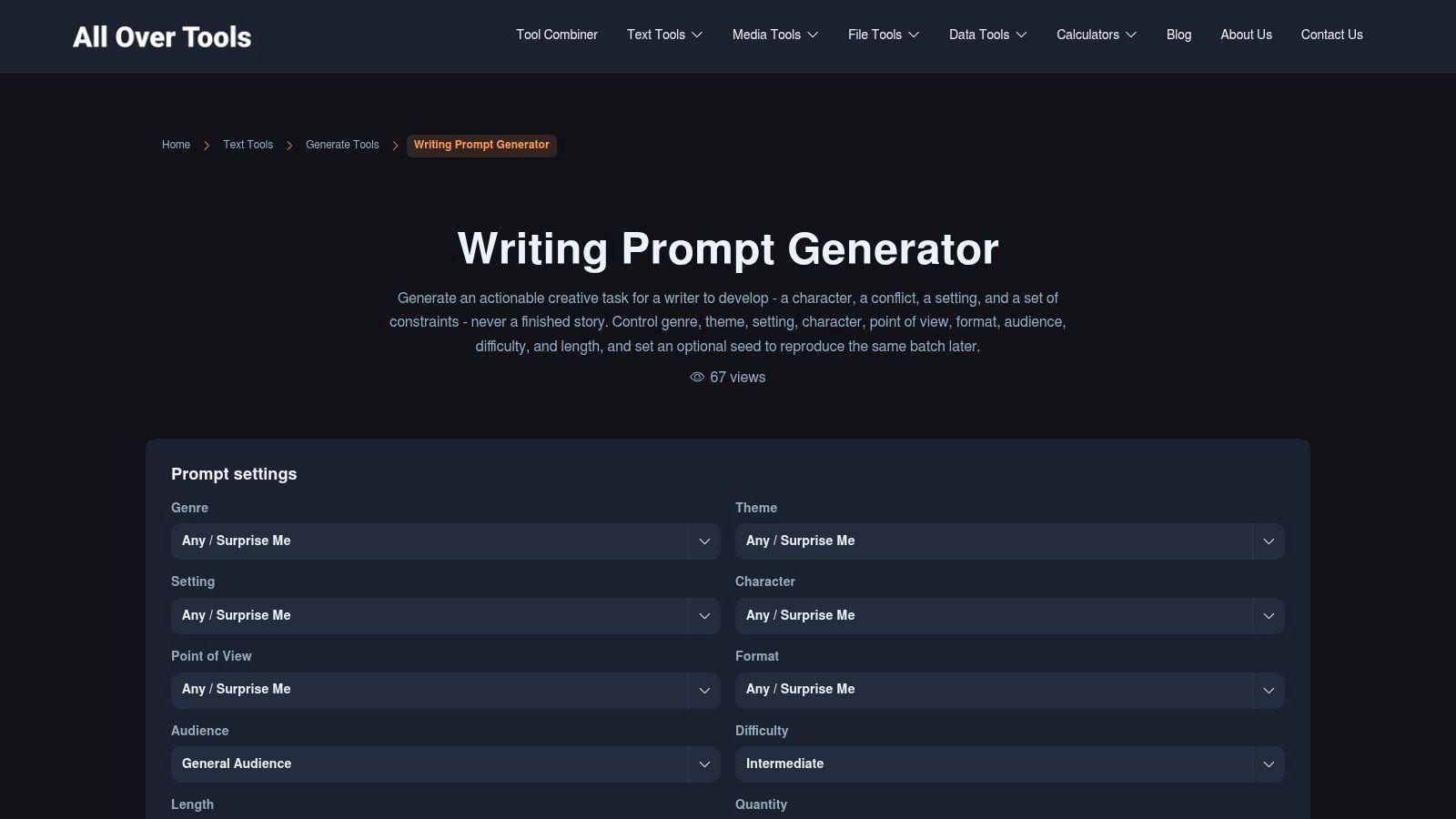
If control matters more than speed, All Over Tools is the strongest option in this list. You can set genre, theme, setting, character, point of view, format, audience, difficulty, and length. You can also choose the number of prompts.
Downloads matter for planned practice. Copy results or save them as TXT or CSV for lesson planning or a personal prompt bank. An optional seed lets you reproduce a batch with the same settings, which supports consistent practice across a group.
Specificity is the point. Analytics Insight's 2026 coverage of AI writing tools reported that 83.7% of respondents agreed that more specific prompts produce better results. Set audience and difficulty first. Those two controls change the writing task more than theme alone.
Evaluation should also change with the task. The WritingBench paper on arXiv covers 1,239 queries across six writing domains and 100 subdomains, and its query-dependent framework achieved 83% alignment with human judgments. Judge an email by purpose, tone, and completeness. Don't judge it like a poem.
The downside is friction. Nine settings may feel excessive when you only need a quick prompt. Prompts are also framed around creative tasks rather than CELPIP, and current access and pricing information should be checked on the website.
Best for: Teachers, groups, and writers who want configurable, repeatable batches.
10. SecretBook - Writing Prompt Generator
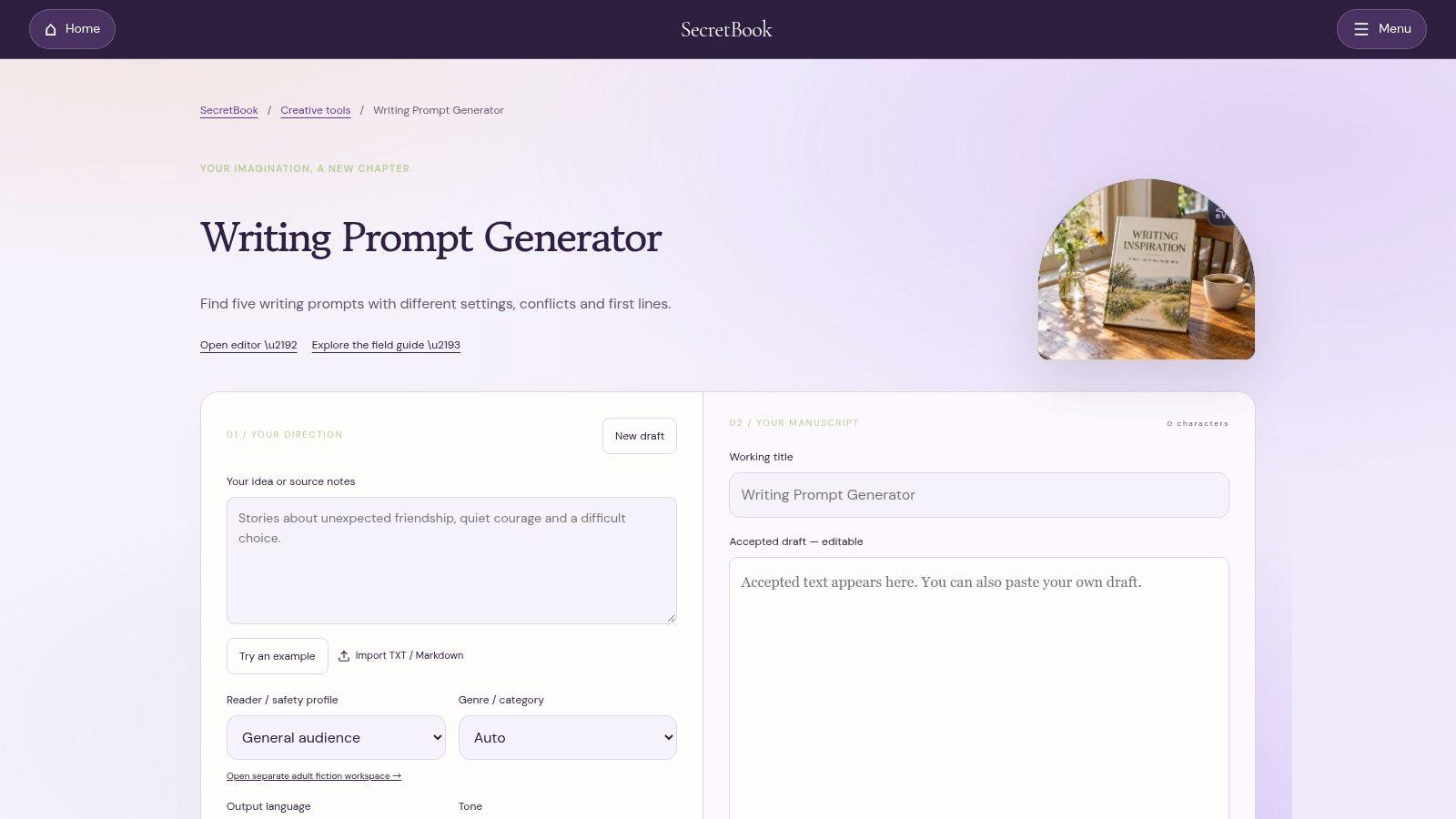
SecretBook generates five story prompts at once, each with different settings, conflicts, and opening lines. That batch view helps you compare directions before committing to one.
You can specify creative direction and other preferences. A selected draft can then be edited, saved, or downloaded. Those working options make SecretBook feel closer to a drafting environment than a one-click randomizer.
Use the five prompts with restraint. Read all five once. Rank them by conflict, not by setting. Pick the strongest conflict, copy the opening line, and write 200 words in 15 minutes.
Before you commit
- Sign-in required: The site says sign-in is required to generate.
- Provider dependent: The site says AI availability depends on the provider.
- Check pricing: Current generation pricing should be checked on the site.
Those conditions make SecretBook less frictionless than the free browser tools above. If you dislike accounts for short exercises, choose Wordineer or Bookbird instead. If you want several distinct story directions and a place to develop one, SecretBook has a clearer reason to exist.
Don't save five drafts and finish none. Edit one selected draft, download it, and write a second version the next day from memory. That second attempt shows what you've learned.
Best for: Story writers who want multiple developed ideas and saving options.
Writing prompts generator tools at a glance
Every tool here is free to try, but most are built for creative writing rather than exam tasks. Use the table to match each generator to the kind of drill you need.
| Item | Free Access | Prompt Focus | Best For | Main Limitation |
|---|---|---|---|---|
| 101 Planners, Writing Prompt Generator | Free, no sign-up | Stories, essays, poetry, fan fiction, and school writing | Structured writing sessions with a pad, goals, and timer | Not CELPIP-specific; multiple modes take time to sort through |
| Wordineer, Writing Prompt Generator | Free, no sign-up | 300+ prompts across types, genres, and audiences | Short, repeatable writing sessions | Finite library; no full course or evaluation |
| Inkfluence AI, Writing Prompt Generator | Free and unlimited, according to the site | Creative writing prompts by genre, type, and length | Getting several ideas at once or sharing a daily prompt | Focuses on creative writing |
| Bookbird, Writing Prompt Generator | Free, browser-based, no sign-up | Hand-written prompts for stories, dialogue, characters, settings, and more | Creative drafting with word goals and short sprints | Fixed library may become familiar; not exam-focused |
| WritingPromptForge | No pricing details given | Stories, journaling, craft exercises, poetry, and first lines | Creative or reflective writing practice | Fiction-skewed genres; pricing and usage limits unclear |
| Josh Liljenquist, Writing Prompt Generator | Appears free | Fiction, journaling, characters, settings, openings, and reflection | Curated, non-AI prompts with browser-local results | Requires JavaScript; limited conversational tailoring |
| Janitor.ai, Creative Writing Tools | Free, no registration, according to the site | Story prompts, daily prompts, and other creative tools | Writers seeking several browser-based utilities | Template-based results may be less tailored |
| RandNow, Writing Prompt Generator | Browser-based; no pricing details given | Story prompts combining character, setting, problem, and twist | Quick, timed fiction drafting | Primarily fiction-focused with limited controls |
| All Over Tools, Writing Prompt Generator | Browser-based; no pricing details given | Configurable creative prompts across many settings | Customizable prompts and repeatable practice batches | Many settings can feel excessive; not CELPIP-focused |
| SecretBook, Writing Prompt Generator | Sign-in required; pricing not detailed | Story prompts with settings, conflicts, and opening lines | Shaping, editing, and saving story ideas | AI availability depends on provider; generation pricing may vary |
Turning Any Generated Prompt Into Focused Practice
Pick one generator and pull a single prompt. Don't compare tools every day. Consistency makes weaknesses visible, and visible weaknesses are easier to fix.
Set three rules before you write. Choose a time limit, a fixed word count, and a reader. For general practice, 15 minutes and 180-220 words is enough. For exam-style practice, use the task shape from the start.
A simple session structure
- Minutes 1-2: Underline the purpose, reader, and required points in the prompt.
- Minutes 3-12: Draft without stopping to polish sentences.
- Minutes 13-15: Check organization, missing details, and tone.
- After the timer: Write one sentence naming the main weakness you noticed.
Repeat the same prompt type for a week. If you choose emails, write five emails. If you choose opinion responses, write five opinion responses. Patterns appear quickly. You may always write a strong opening but rush the closing, or give reasons without examples.
One prompt type for five days teaches you more than five unrelated prompts in one afternoon.
Adapt creative prompts when your goal is a standardized exam. A character with a workplace problem becomes an email to a manager. A debate about city life becomes a survey response. State one clear choice, support it with two reasons, add a brief example, and finish with a direct conclusion.
For CELPIP specifically, general tools won't mirror the task structure. The official CELPIP Writing Pro Target 9 study pack identifies four Writing dimensions, Content/Coherence, Vocabulary, Readability, and Task Fulfillment. Your review should cover all four, not grammar alone.
That review method also differs by skill. The official CELPIP test results page states Reading and Listening questions are scored as correct or incorrect, and unanswered questions are scored as incorrect. Writing needs rubric-based review. Reading and Listening need answer checking and completion discipline.
Pair general prompt tools with a CELPIP-focused platform when exam format matters. Celprep offers a free tier with one exercise per task type and three daily submissions, with feedback on each response. Use a free generator for extra topics if you want variety. Use exam-style tasks when you need to know whether your email or survey response would meet the scoring criteria.
Start today with one tool from this list. Write one timed draft. Review it against purpose, organization, vocabulary, readability, and task completion. That's a practice session. Generating ten more prompts isn't.
Turn your next generated prompt into an exam-style email or survey response, then bring that timed draft habit to Celprep for CELPIP writing practice with feedback on each submission. Start with the free tier, complete one exercise per task type, and use your three daily submissions to fix one weakness at a time.